ID photo maker in the size your form asks for

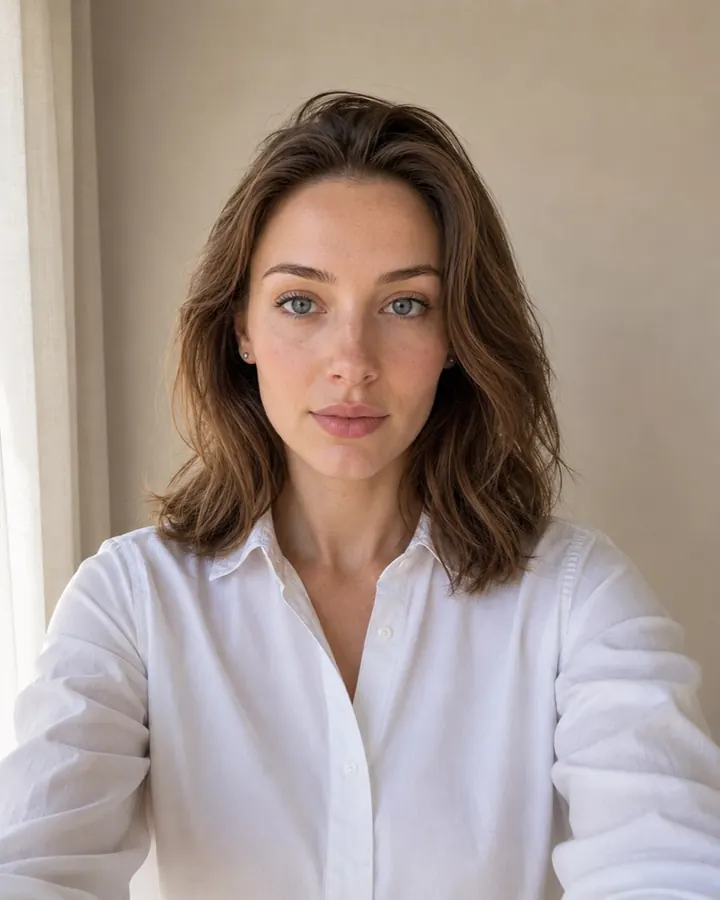
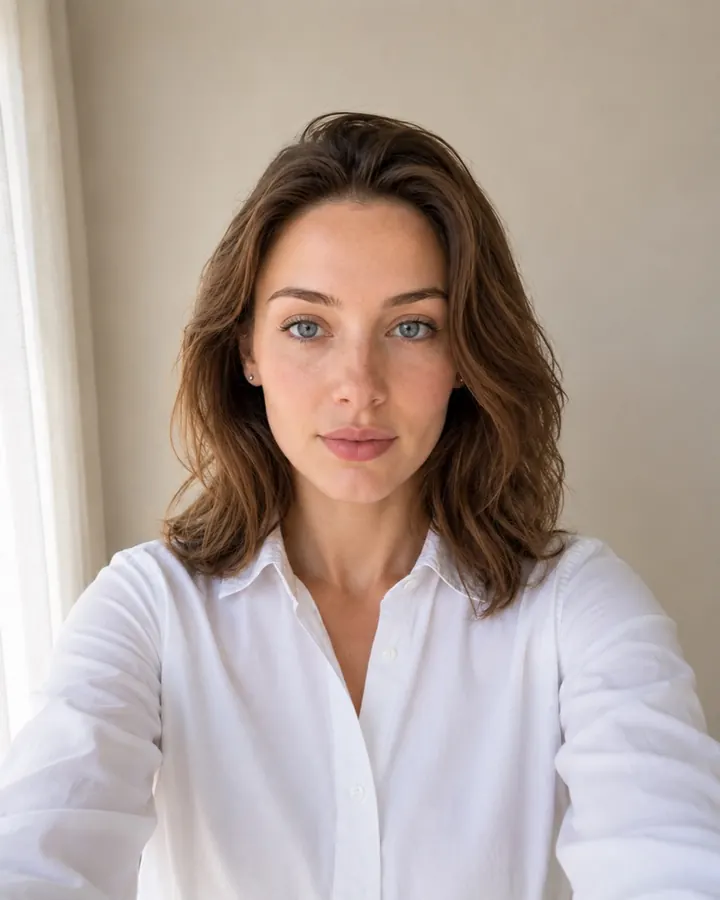
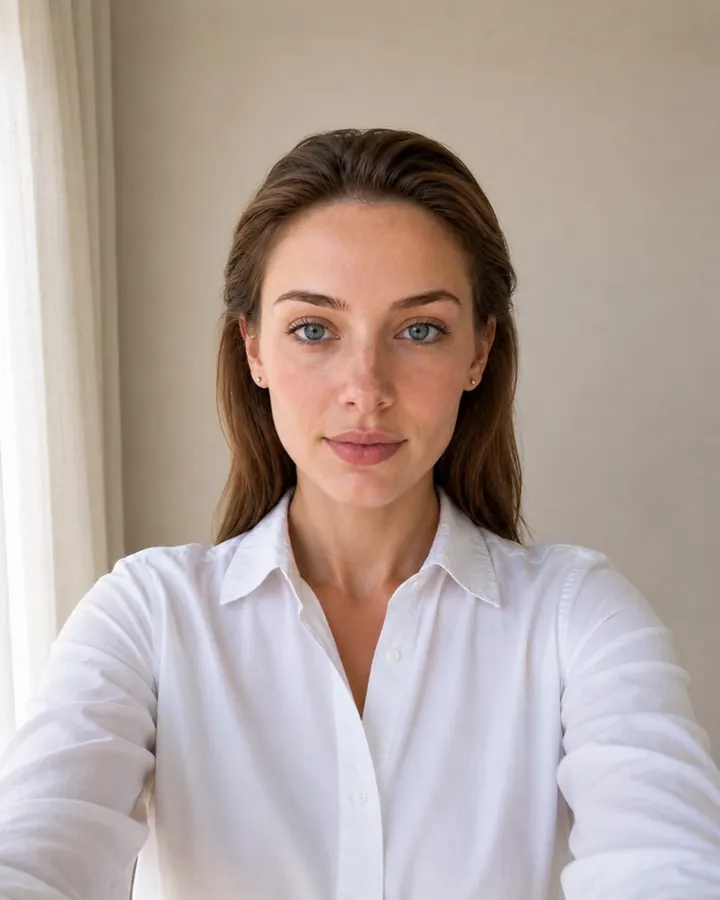
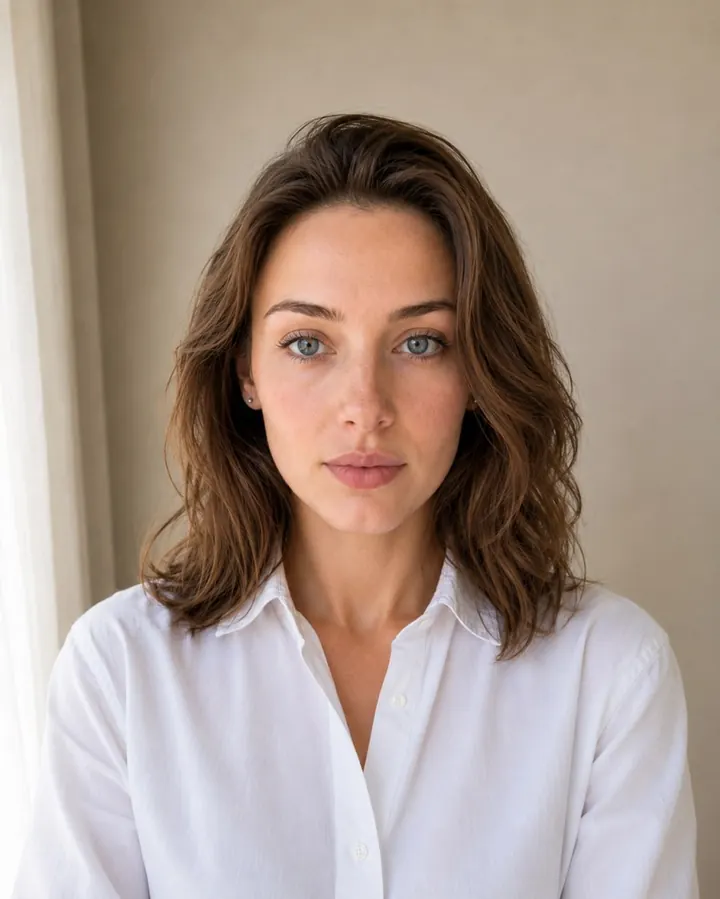
Not every form names a document we know. Type the size it asks for — in millimetres, centimetres, inches or pixels — pick the background and, if you like, the clothes. We crop your selfie to it, straighten the head and replace the background. The preview is free.

Drag & drop your photo hereJPG or PNG · taken on any phone · 100% private
Private & secure — never published or sold. Unpaid uploads expire after 24 hours.
How to take the photo at home →
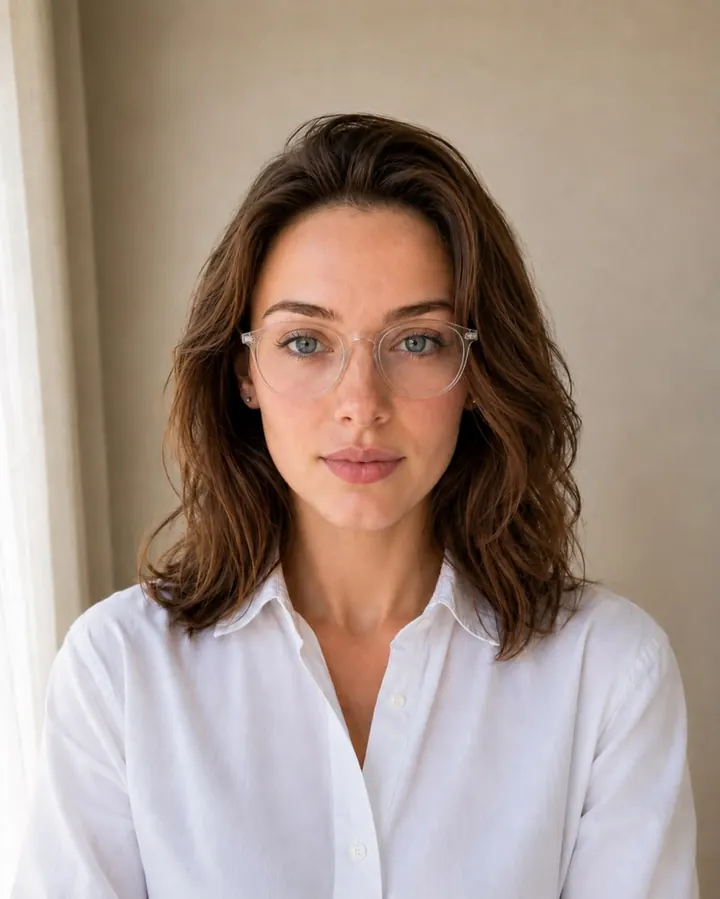
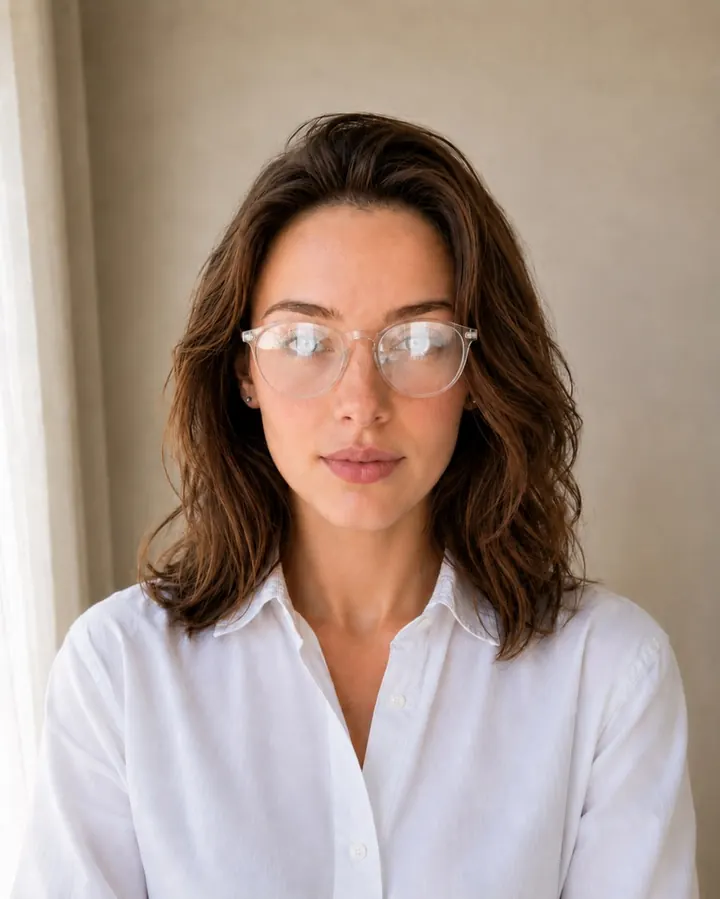
Before / After
Processed passport photo on a plain white background
Original photo before processing
BeforeAfter
White background Head size 70–80% Neutral expression
35 × 45 mmPrint size
300 DPIResolution
~1 minTurnaround
Configurator

Set the size your form asks for

Type the width and height, choose the unit and the background, then upload a selfie at the top of the page. The page keeps your size in its address, so you can bookmark it or send it to someone.

Size
×

Print 35 × 45 mm · file 413 × 531 px at 300 dpi

Background
Clothing

We place the head and eyes by the usual document photo rules. We can't check the rules of your form, so this size comes without our acceptance guarantee.

Sizes in pixels

Common photo sizes in millimetres and pixels

A printed size becomes pixels through the resolution: at 300 dpi one inch (25.4 mm) is 300 pixels. These are the sizes forms ask for most often:

SizeIn millimetresAt 300 dpi
35 × 45 mm (most passports and visas)35 × 45413 × 531 px
2 × 2 inches (US passport and visa)50.8 × 50.8600 × 600 px
3 × 4 cm30 × 40354 × 472 px
4 × 5 cm40 × 50472 × 591 px
5 × 7 cm50 × 70591 × 827 px

If the form gives pixels, type the pixels: the file then has exactly that many, and we adjust the resolution so the print stays a sensible size. The full rules of the 35 × 45 mm photo are on the passport size photo page.

What you can set

What the configurator accepts

The limits keep the result a document photo — a face and shoulders on a plain background — and stop a typo from making a poster:

  • Printed size: each side from 15 to 80 mm (1.5 to 8 cm, 0.59 to 3.15 inches).
  • File size: each side from 150 to 3000 pixels, whole numbers.
  • Shape: the height is 0.8 to 1.6 times the width — from a little wider than square to a tall 5 × 8.
  • Background: white, light grey, light blue, blue or red.
  • Clothes: keep your own, or a grey t-shirt, a white shirt, or a suit and tie.
  • File weight (optional): from 20 to 5000 KB, for an online form with a limit; we save a file under it.
Reading the form

How to read what your form asks for

  • Size in cm, mm or inches is the printed photo. Type it in that unit; the file comes at 300 dpi.
  • Size in pixels (e.g. 600 × 600) is the file. Type the pixels.
  • “Not more than 240 KB” is the file weight. Put it in the file-size field.
  • Head size or face height (e.g. 70–80 %): we place the head by the usual rules for the frame's shape — the 35 × 45 mm rule for a tall frame, the 2 × 2 inch rule for a square one. If your form asks for something else, check the preview before you pay.
  • Background colour: pick the closest of the five. A form asking for “light” or “plain” usually means white or light grey.
Step by step

How to take the photo at home

1Mind the distance

Do
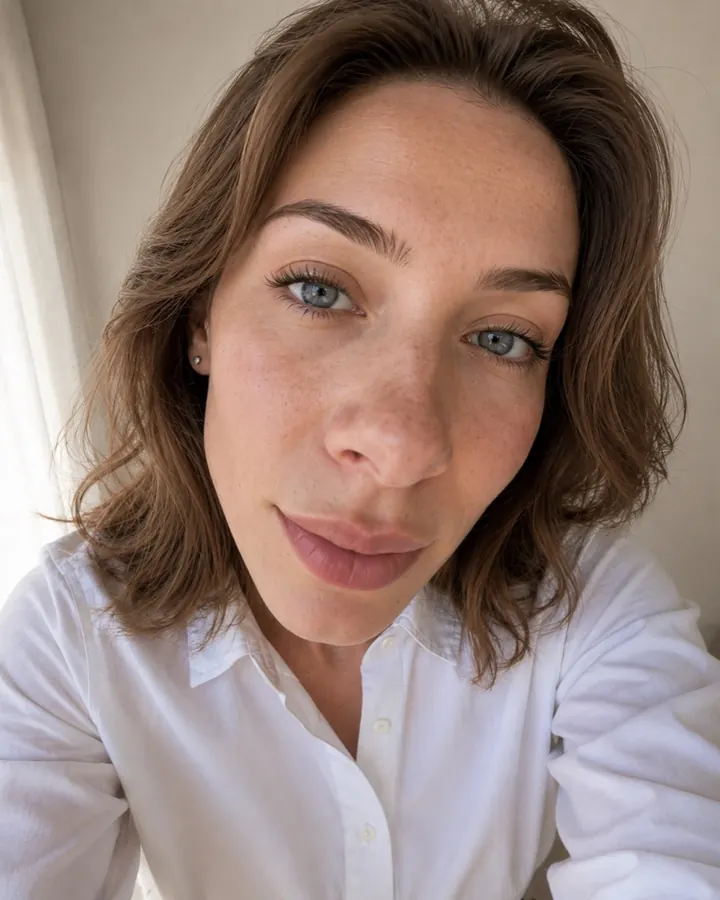
About 50 cm (20 in) away.
Don't
Too close warps your face.

2Square up to the lens

Do
Face the lens, head level.
Don't
Tilting or odd angles.

3Light it flat and even

Do
Soft, even daylight.
Don't
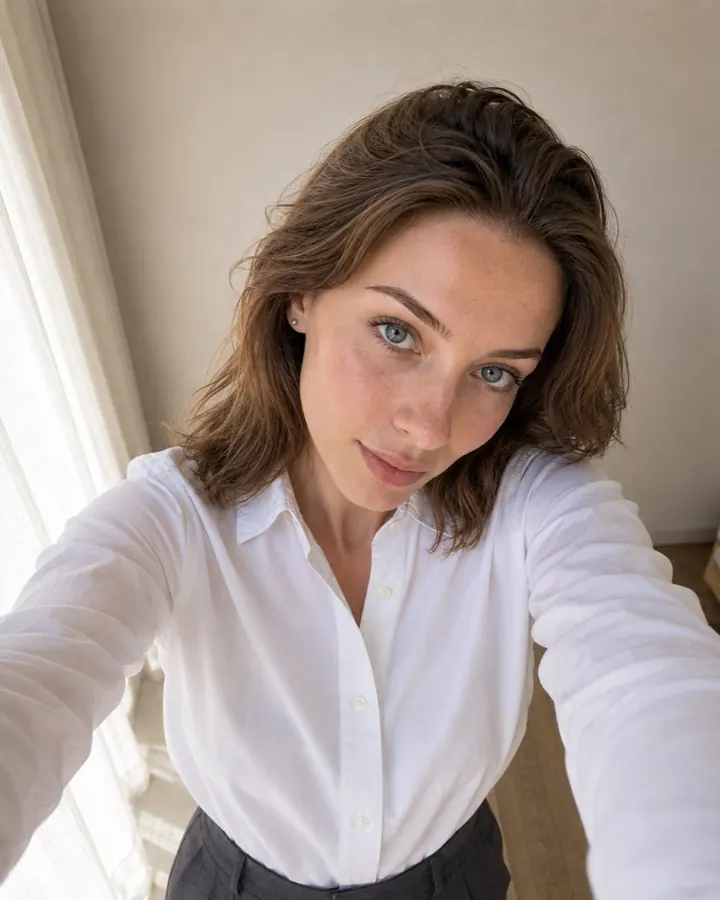
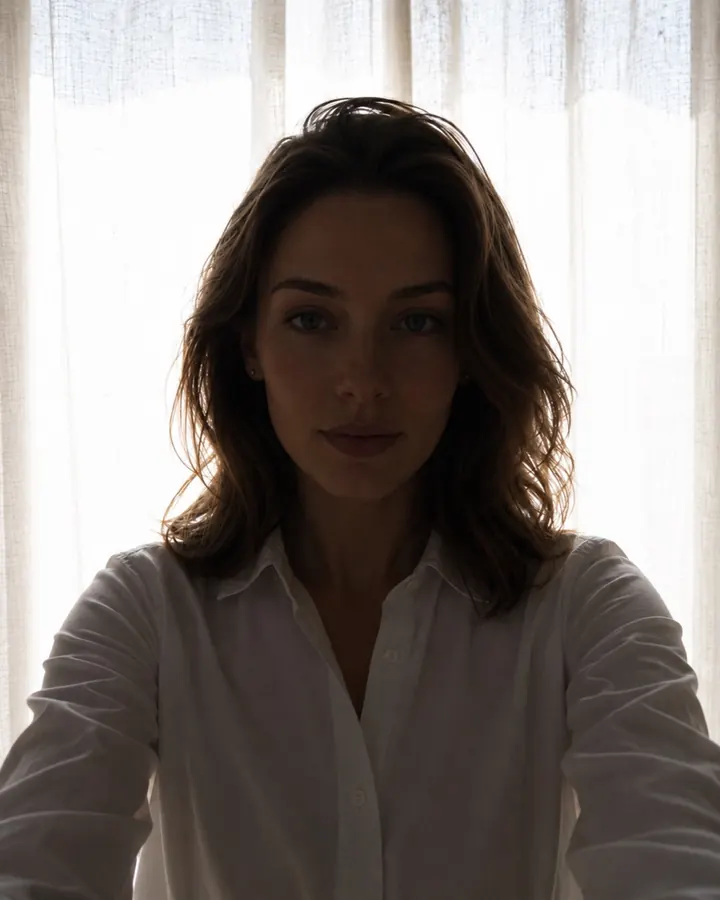
Harsh shadows or backlight.

4Mind your hair

Do
Hair back, face fully visible.
Don't
Hair across your eyes.

5Keep a neutral expression

Do
Neutral expression, mouth closed.
Don't
Smiling or mouth open.

6Watch for glasses glare

Do
Clear lenses, no glare.
Don't
Glare or reflections on the lenses.
  1. Face a window

    Soft daylight on your face, no flash and no lamp overhead, so there are no shadows or glare.

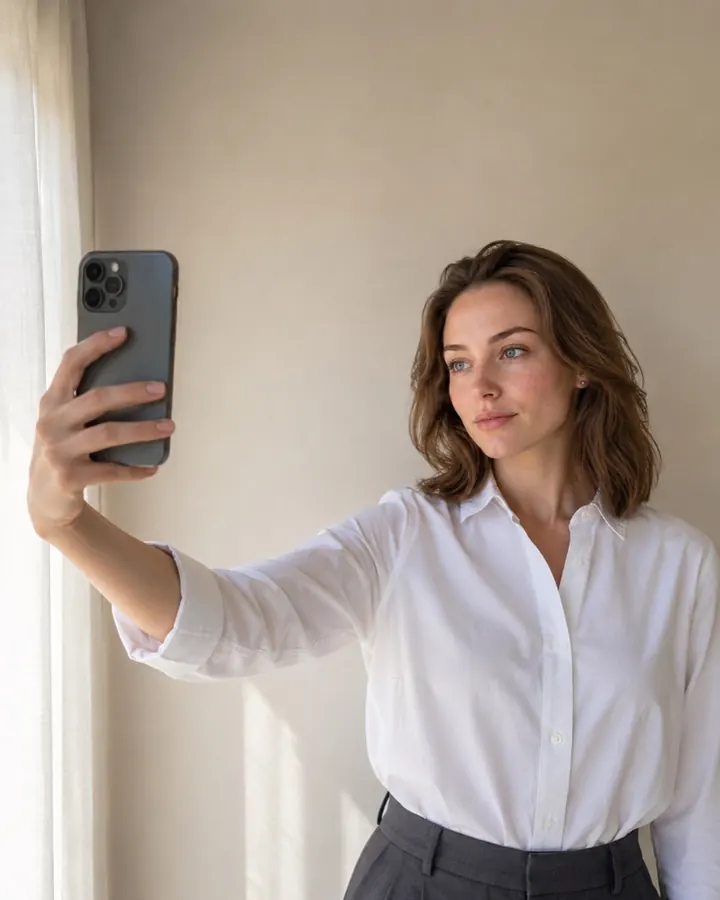
  2. Phone at eye level

    About 50 cm from your face. Better still, ask someone to use the back camera. Leave your shoulders in the frame.

  3. Any light wall behind you

    The background doesn't need to be perfect: we replace it with the colour you chose.

  4. Neutral expression

    Look at the camera, mouth closed, hair off your eyebrows and eyes.

  5. Upload it on this page

    We crop it to your size and straighten the head. The preview is free.

Price

What it costs

Photo file
$4.99
File + sheets to print
$6.99

The price is the same for any size. You see the finished photo before you pay.

We can't check the rules of a form we don't know, so a size you set yourself comes without our acceptance guarantee.

FAQ

ID photo maker: frequently asked questions

Any document photo size: each side from 15 to 80 mm, or from 150 to 3000 pixels, with the height 0.8 to 1.6 times the width.
Whatever the form uses. A printed photo is given in cm, mm or inches; an online upload is often given in pixels. If it gives both, type the pixels — the file will have exactly that many.
Yes. Type the limit in KB (from 20 to 5000) and we save the file for the form under it.
Not for a size you set yourself: we follow the usual document photo rules but can't check your form's. For a listed document, choose it in the search at the top — those photos carry our guarantee.
Start over with the same photo: the editor's “Start over” keeps your size, so you only change what you need.
Sources

Where this information comes from

The common sizes come from the authorities that set them. The size you type is your form's rule, not ours: if the form and this page disagree, follow the form.